


Category
Productivity
Latest Version
VARY
Publish Date
04/30/2014
Requires Android
-
Offered by
Google LLC
Website
http://cast.google.com/chromecast/
Email
Policy
https://policies.google.com/privacy
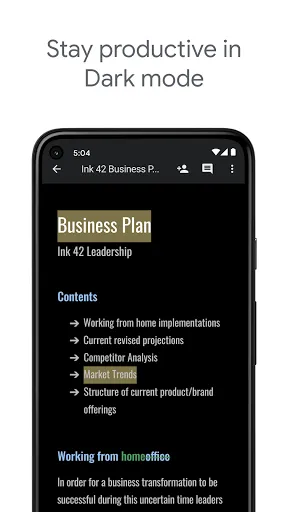
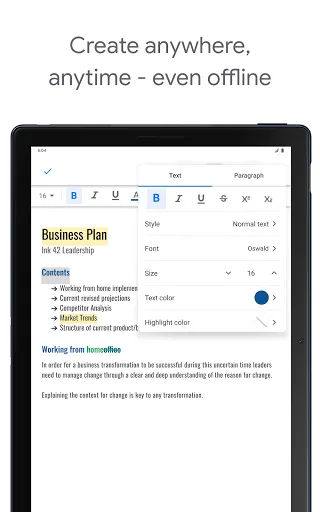
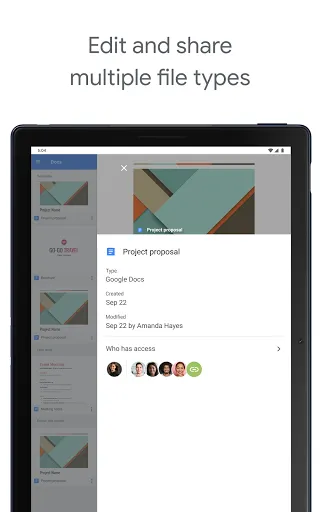
Features of Google Docs
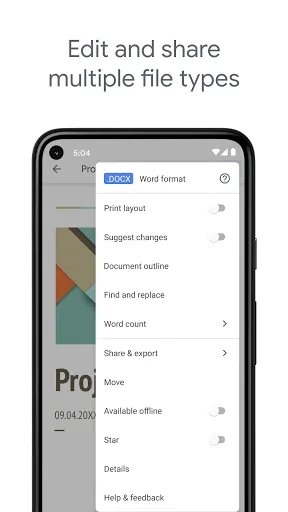
Edit Documents Easily
With Google Docs, you can edit documents more easily. Google Docs provides you with a variety of document editing features, you can create new documents, add images and text content or edit the layout and so on. All features are available on Google Docs.
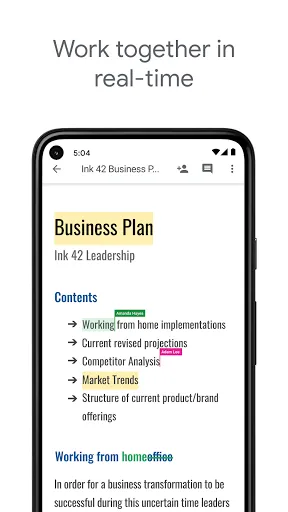
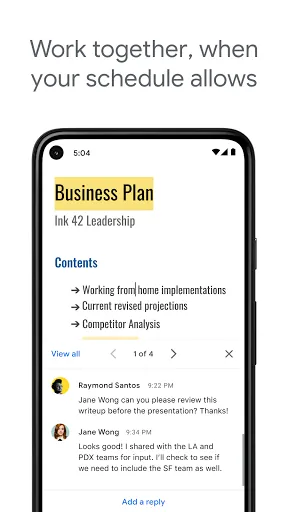
Multi-player Online Editing
You can also invite multiple people to work on the same document. Simultaneous editing allows you to communicate and consult at any time to get the job done more efficiently. You can also modify other people's work at any time, making work easier and faster.
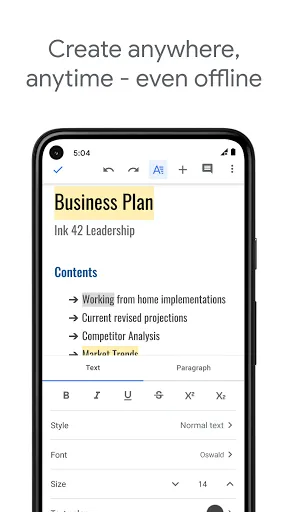
Handle Work Anytime, Anywhere
Google Docs allows offline operation. Even if you're not in the office or at home, you can edit documents without Internet access. The edited content is automatically saved in case the information is lost.
Google Play
App Store
Ratings
Similar Apps

ChatGPT
Productivity
4.8

PDF Reader - PDF Viewer
Productivity
4.5

Manus AI
Productivity
4.8

Google Gemini
Productivity
4.8

Microsoft Word: Edit Documents
Productivity
4.7

My Virgin Media
Productivity
4.1
Beatron - AI Music Maker
Productivity
4.4

EasyClean - File Cleaner
Productivity
4.4

DeepSeek - AI Assistant
Productivity
4.5
Document Reader & PDF Editor
Productivity
4.6
PDF Reader, Editor, Converter
Productivity
3.8

Data Clock
Productivity
3.9
Top Apps

TikTok
Video
4.1

Club+
Shopping
3.1
ChatGPT
Productivity
4.8

The AA (NZ)
Tools
3.3

Google Authenticator
Tools
4.3

JumpJumpVPN: Fast & Secure
Tools
4.4

BD NET VPN
Tools
4.4

Lidl Plus
Shopping
4.1

Vinted: Shop & sell pre-loved
Shopping
4.7

My Centra
Shopping
4.6

ShopBack: Cashback & Rewards
Shopping
4.1

فیلتر شکن قوی پرسرعت Tomvpn
Tools
4.4